
“Will AI take my job?” is one of the most common career questions of 2026, and it deserves a better answer than panic. AI rarely replaces a whole job in one move. It takes over tasks: the drafting, sorting, summarising and checking that used to fill a working day. What happens next depends mostly on you.
The International Monetary Fund estimated in 2024 that almost 40% of global employment is exposed to AI, rising to about 60% in advanced economies, and that roughly half of the exposed jobs may benefit from AI rather than lose out to it. Exposure is not the same as replacement. The people who stay valuable learn where AI helps, where it fails, and how to prove they get better results with it. Here is how, in nine steps.
Short answer: To keep AI from taking your job, stop competing with it on routine tasks and start directing it. Map which of your tasks AI can do, strengthen the human skills it can’t replace, use AI every week as a co-pilot, and keep visible proof of the results you deliver.
- Think in tasks, not job titles: automate the repetitive work and keep the judgment.
- Invest in what AI handles poorly: judgment, trust, leadership and hands-on expertise.
- Learn two or three AI tools that matter in your field and use them on real work.
- Collect before-and-after evidence of your impact and put it on your CV.
- Keep your network warm and a plan B ready, so change never catches you unprepared.
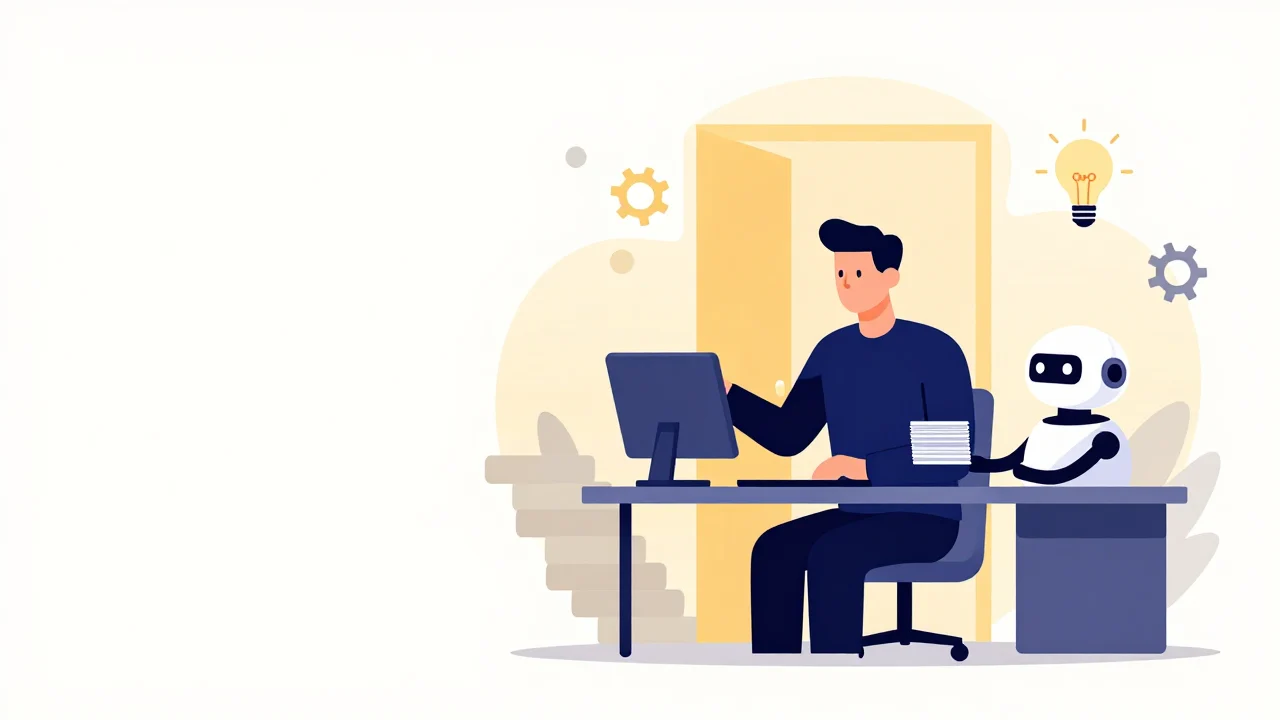
Will AI really take your job? What the research says
The World Economic Forum’s Future of Jobs Report 2025 expects 170 million new jobs to be created and 92 million to be displaced between 2025 and 2030, a net gain of 78 million. The same report estimates that 39% of workers’ existing skill sets will be transformed or become outdated over that period.
In the report, the fastest-declining roles include postal service clerks, bank tellers and data entry clerks, jobs built on repetitive, rule-based information work. The fastest-growing skills are AI and big data, networks and cybersecurity, and technological literacy, alongside creative thinking, resilience, flexibility and agility. The risk sits in routine tasks; the opportunity goes to people who combine technical fluency with human strengths.
1. Audit your job task by task
List what you actually do in a typical week, not what your job description says. A marketing coordinator might write “draft social posts”, “build the monthly report” and “handle the client call when a campaign goes wrong”. Then sort every task into one of three buckets.
- AutomateRepetitive, rule-based work such as formatting, data entry and routine summaries
- AugmentWork where AI drafts and you decide: research, first drafts, analysis
- OwnJudgment, relationships, negotiation and responsibility for the outcome
The more of your week sits in the first bucket, the more urgent the next steps are. Don’t defend those tasks: hand them to AI deliberately and move your time into the other two buckets, where your value is easier to see.
2. Strengthen the skills AI can’t replace
AI is fast at producing options and much weaker at knowing which one is right for a specific person or situation. The skills that stay valuable depend on context, trust and accountability:
- Judgment under uncertainty: deciding what to do when the data is incomplete and the stakes are real.
- Relationships and trust: clients, patients and colleagues still want a person who takes responsibility.
- Leadership and negotiation: aligning people with different interests remains a human job.
- Hands-on expertise: skilled physical work, from nursing to electrical installation, is far harder to automate than desk work.
- Ethics and quality control: someone has to check AI output for errors, bias and legal risk, and sign off on the result.
Pick one and make it visible: lead a meeting, own a client relationship, or become the person who reviews AI-generated work before it goes out.
3. Use AI as your co-pilot, not your competitor
The safest position is to be the person in your team who gets the most out of AI. Choose two or three tools that fit your daily work, such as a general assistant for drafting and research, an AI feature in your spreadsheet software or a meeting transcription tool, and use them on real tasks every week. Note what worked and what went wrong.
- Check every fact, number and quote before it leaves your hands
- Save the prompts that work and share them with your team
- Measure the time you save on recurring tasks
- Paste confidential client or company data into public tools
- Send AI output unread or present it as your own analysis
- Ignore your employer’s AI policy
Within a few months you will know which tasks AI speeds up, where it makes things up, and how to combine its output with your expertise. That is what employers mean by “AI literacy”.
4. Upskill with a plan, not a pile of courses
Certificates you never apply do little for your career. A better approach is one focused skill per quarter that connects your current job to where your field is heading: AI fundamentals, basic data skills or a deeper layer of your own specialism. Platforms such as Coursera, edX and LinkedIn Learning, and companies like Google and Microsoft, offer introductory AI courses; many employers also fund training.
- Weeks 1–2: learn the basicsTake one short course on AI fundamentals for your field
- Weeks 3–6: apply it to real workUse AI on one recurring task and note the result
- Weeks 7–10: build a small projectAutomate a workflow or create a template your team can reuse
- Weeks 11–13: document and shareWrite down the results and add them to your CV
The last step matters most. Learning that stays invisible does not help you in a performance review or a job interview.
5. Build proof of your impact
When roles change, the people who keep them can show results, not just responsibilities. Keep a running list of wins with numbers: hours saved, errors reduced, customers helped. For example, a finance assistant might write: “Built an AI-assisted reconciliation checklist that cut the month-end close from four days to three.” (An illustration: use your own real figures.)
If your work can be shown, build a small portfolio: a few case studies, before-and-after samples or a one-page summary you can share in interviews.
6. Grow your network before you need it
Many jobs are filled through referrals, and that matters even more now that AI makes it easy for everyone to send polished applications. Stay in touch with former colleagues, join one professional community in your field, and share what you are learning. A short post about a workflow you improved beats a general opinion about technology.
Inside your company, get to know the teams that adopt AI first: new roles often appear there before they are advertised.
7. Make adaptability a habit
The WEF report lists resilience, flexibility and agility among the skills growing in importance, and they are easier to build as routines than as traits. Once a month, ask yourself three questions: Which of my tasks changed? What did I learn? What is my industry automating next? Run small experiments, like a new tool or a stretch assignment, and treat the ones that fail as cheap lessons.
8. Show your AI skills on your CV the right way
Listing “ChatGPT” in your skills section tells a recruiter almost nothing; they want to see that you use AI to deliver results. The most convincing format is tool + task + outcome, written into your experience bullets, with the tool names repeated in your skills section so that applicant tracking systems (ATS) can find them.
Mirror the exact tool names from the job posting when they are true for you, and never claim a skill you could not demonstrate in an interview. Before you apply, run your CV through a CV checker to see what recruiters and ATS will notice, and tailor your CV to the job description so the right keywords appear in the right places.
9. Keep a plan B ready
Sometimes a role really is shrinking. Warning signs: tasks steadily moving to automated tools, hiring freezes in your function, and job ads for your title asking for very different skills than a year ago. Don’t wait for a restructuring announcement. Identify two or three adjacent roles that use your strengths, for example customer service to customer success, or data entry to data quality, and start building the missing skills now.
Keep your CV current so you can move quickly: it is far easier to update your CV regularly than to rebuild it in a hurry.
The bottom line
AI will keep changing what work looks like, but it does not decide your career on its own. People who understand their tasks, use AI to amplify their strengths and can prove their impact are the ones employers keep and hire. Start this week: audit your tasks, pick one tool and write down your first measurable win.
Frequently asked questions
Which jobs are most at risk from AI?
Jobs built mainly on repetitive, rule-based information work face the highest risk. The World Economic Forum’s Future of Jobs Report 2025 names postal service clerks, bank tellers and data entry clerks among the fastest-declining roles. Even there, tasks usually change before job titles disappear.
Can AI replace jobs that require human judgment?
AI can support judgment with analysis and options, but roles where someone must weigh context, build trust and take responsibility for the outcome are much harder to automate. Managers, healthcare workers and skilled trades tend to use AI as an assistant rather than be replaced by it.
Do I need to learn programming to stay relevant?
No. Most people need AI literacy, not coding: knowing what AI tools can and cannot do, how to give clear instructions, check results and protect sensitive data. Programming helps if you want a technical role, but most jobs do not require it.
How should I list AI skills on my CV?
Describe concrete results in your experience section using the pattern tool + task + outcome, then list the specific tools in your skills section with the same names the job posting uses. Add relevant courses or certificates, and include only skills you can demonstrate in an interview.
How long does it take to upskill for an AI-driven job market?
Becoming a confident everyday user of AI tools usually takes a few weeks of regular practice. A deeper, job-relevant skill takes longer, which is why a 90-day plan with a real project works better than collecting short courses.

Kamran Taghiyev is a marketing professional with 5+ years of experience and a background spanning three universities. As the lead behind projects such as Easy Marketing School, Animators, MyEasyCV and Business Talks, he has reviewed thousands of job-applicant CVs.
LinkedIn →